

 Platform
 W&B Models
 W&B Weave
 W&B Inference
 W&B Training
 Release Notes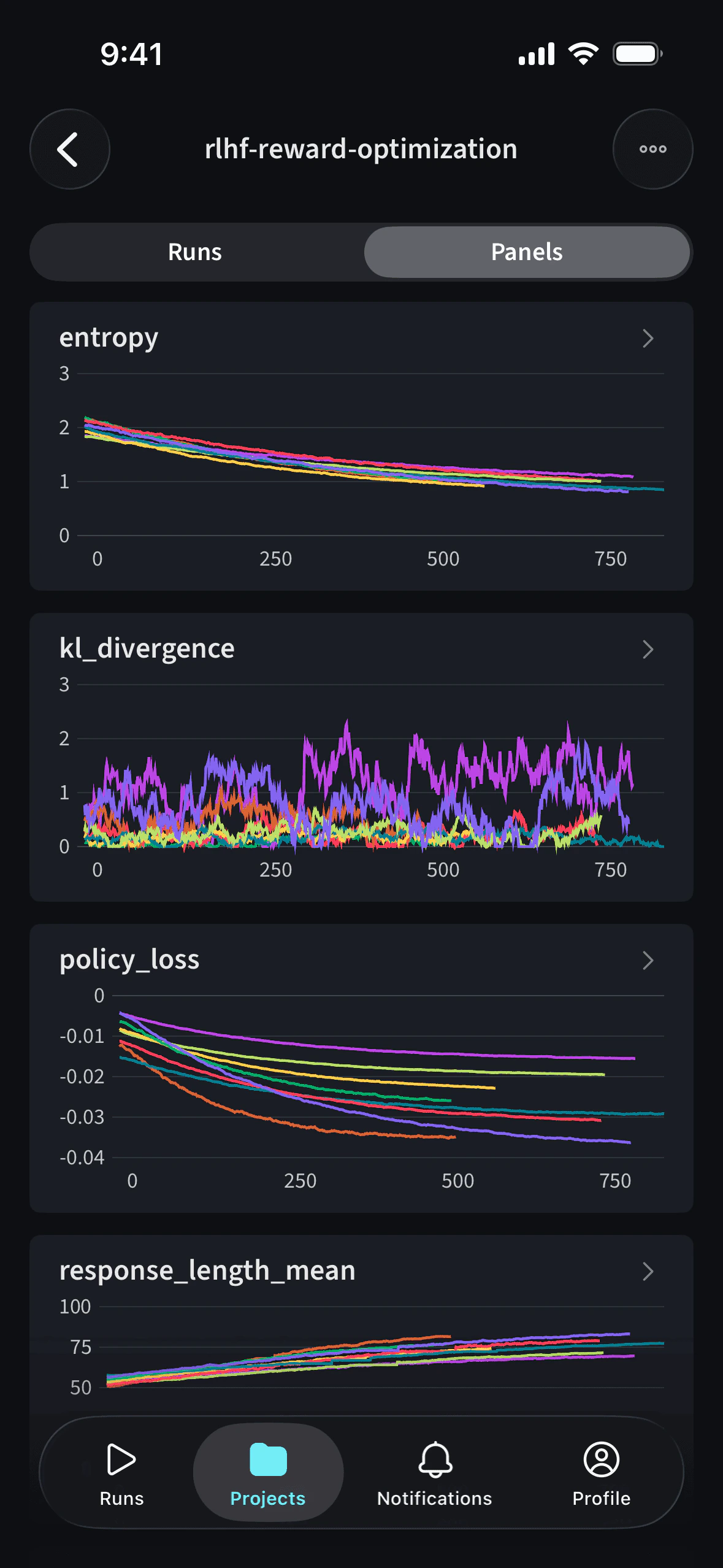
The mobile app is only available for Multi-tenant Cloud accounts. It is not available for Dedicated Cloud or Self-Managed deployments.
Download the app
Download on the App Store
Features
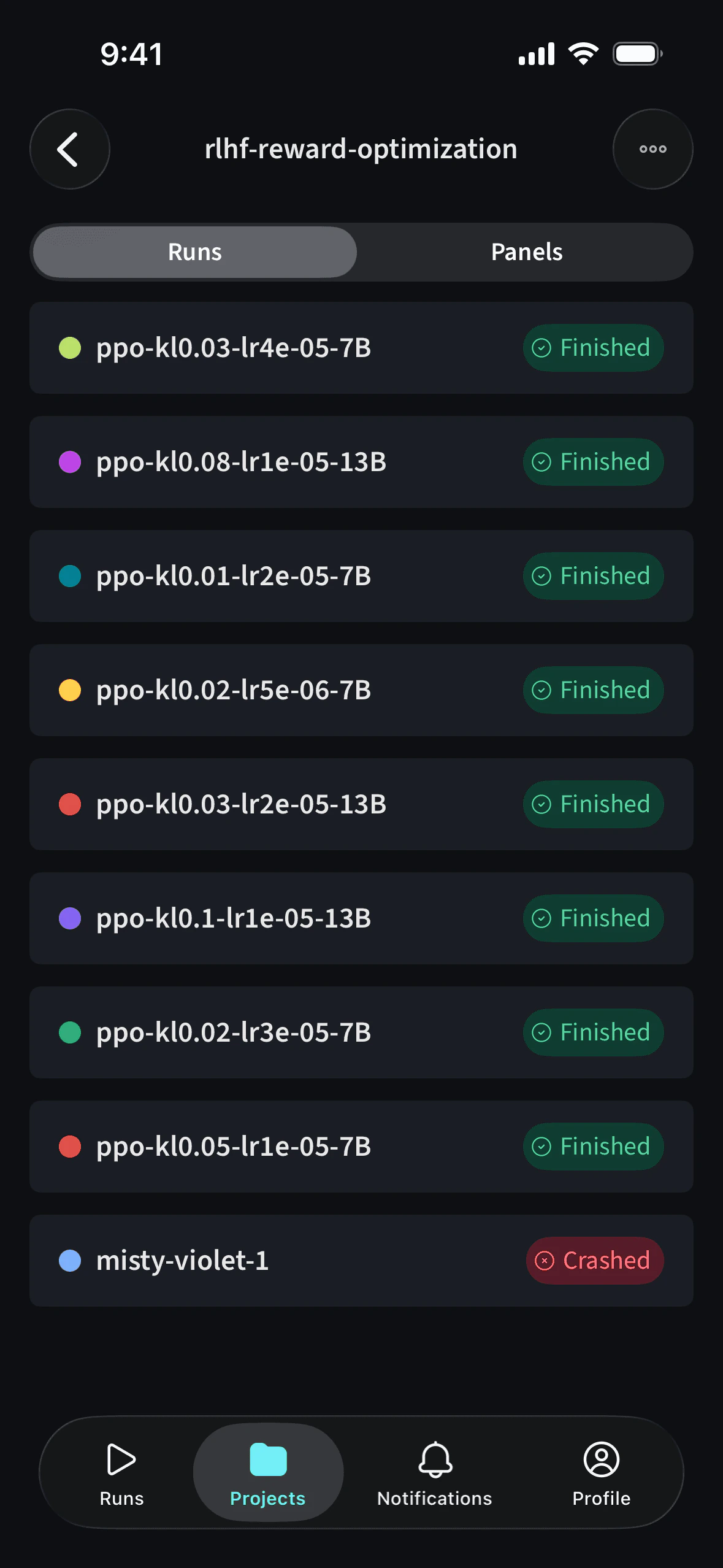
- Track training runs: View run status, metrics, and line plots in real time.
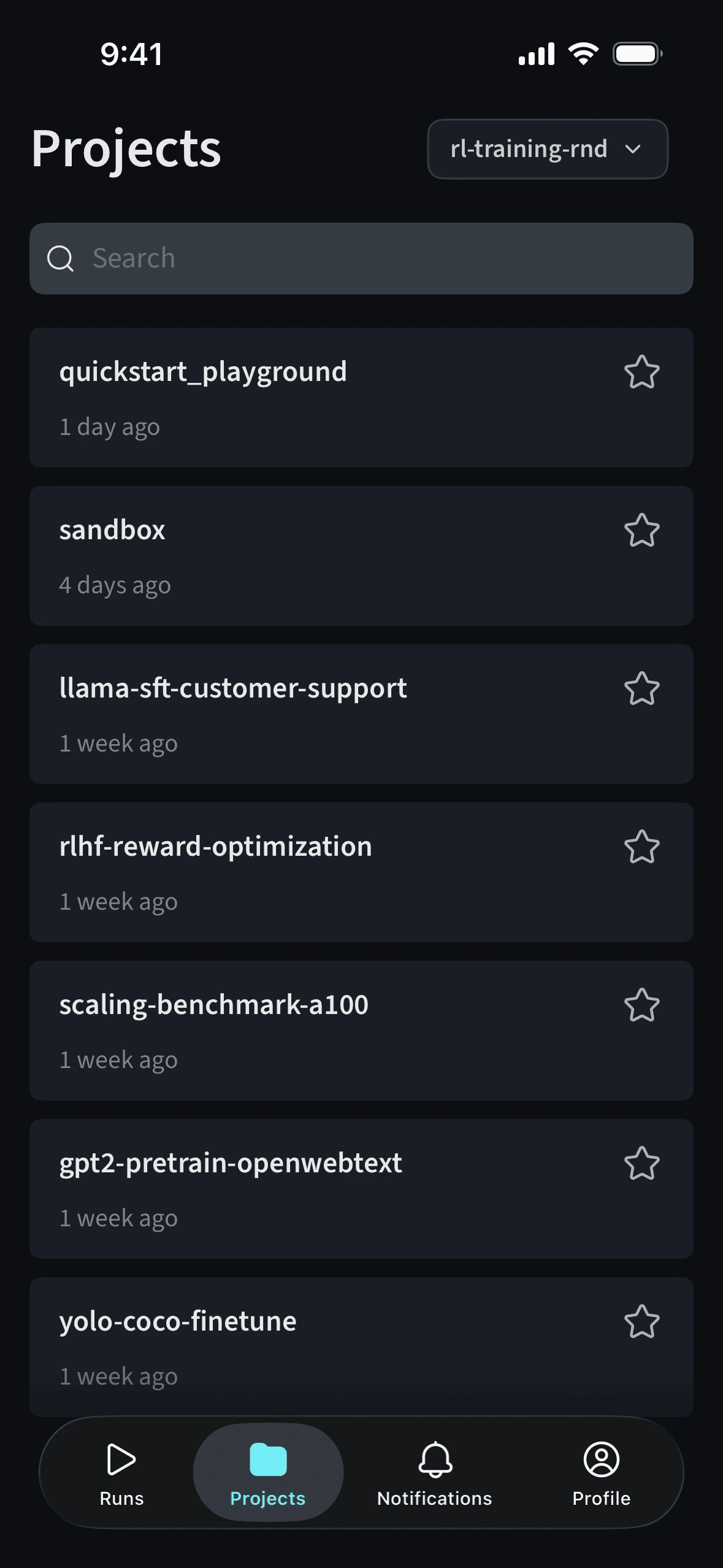
- Explore project history: Browse and search across your W&B projects. Metric charts on project panels include data from all runs in the project, not only the latest run.
- Switch teams: Use the team picker to change teams. The picker uses an updated layout for quicker navigation.
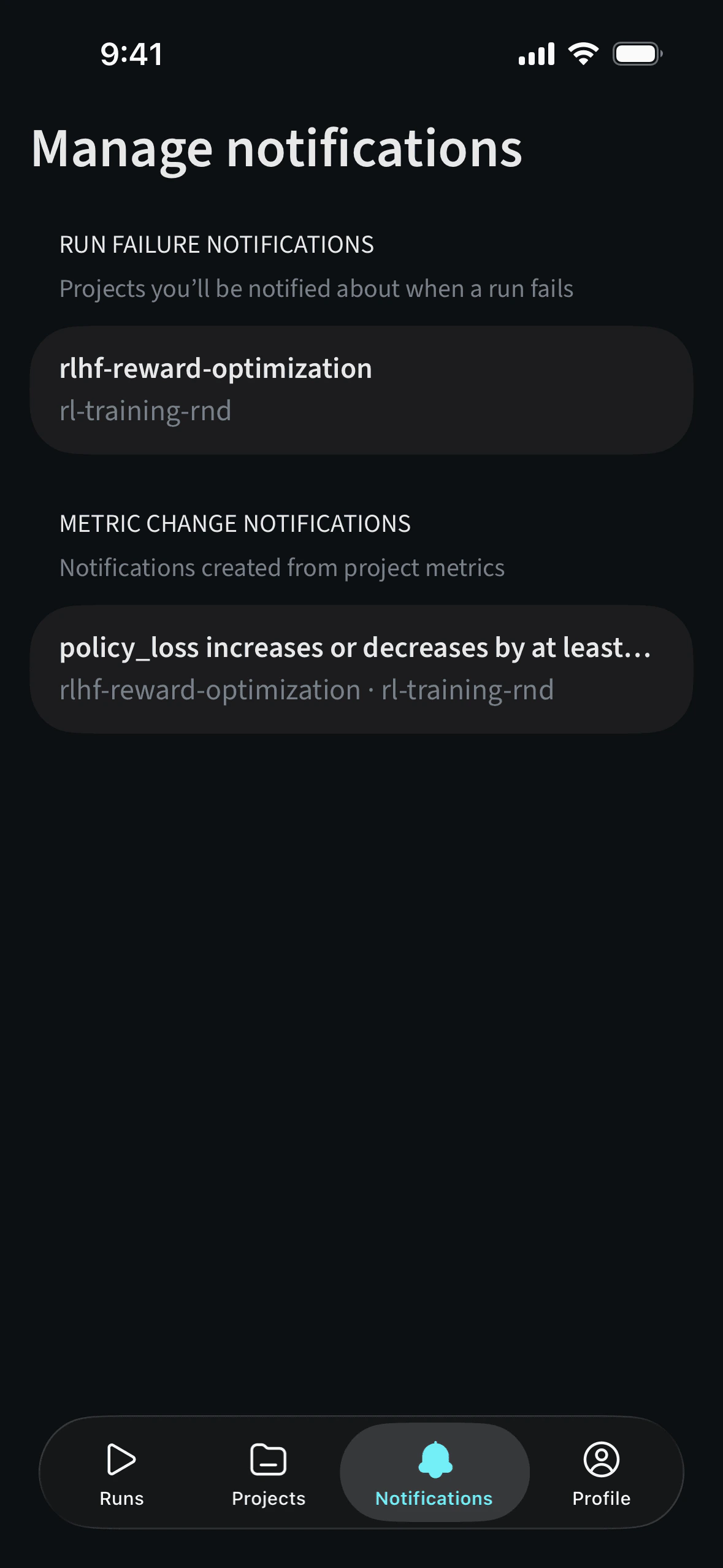
- Stay informed: Get updates on your experiments without opening your laptop using notifications. Remove alerts you no longer need from the Notifications tab by swiping them away.
Set up notifications
You can configure notifications in two ways: Metric threshold alerts- Navigate to a run.
- Tap the graph to enter fullscreen view.
- Tap the bell icon on the top-right.
- Set notifications that trigger when future runs cross the specified metric threshold.
- Navigate to a project.
- Tap the three-dot menu on the top-right.
- Select Run failed alert to receive notifications for future run failures in that project.